
Stygian Outer Gods Steam: PC Buying and Launch Guide
Check stygian outer gods steam availability, the full PC release, edition choices and save advice, with official sources and clear hardware limitations.
Official-information summary. Detailed solutions that have not been established remain pending confirmation.
On this page
- Finding the correct Steam game
- Full release versus older Early Access information
- Standard game and optional extras
- Hardware checks before buying
- Steam Deck is a separate decision
- Returning with an Early Access save
- Reading reviews and troubleshooting reports
- Purchase and platform questions to keep separate
- Sources
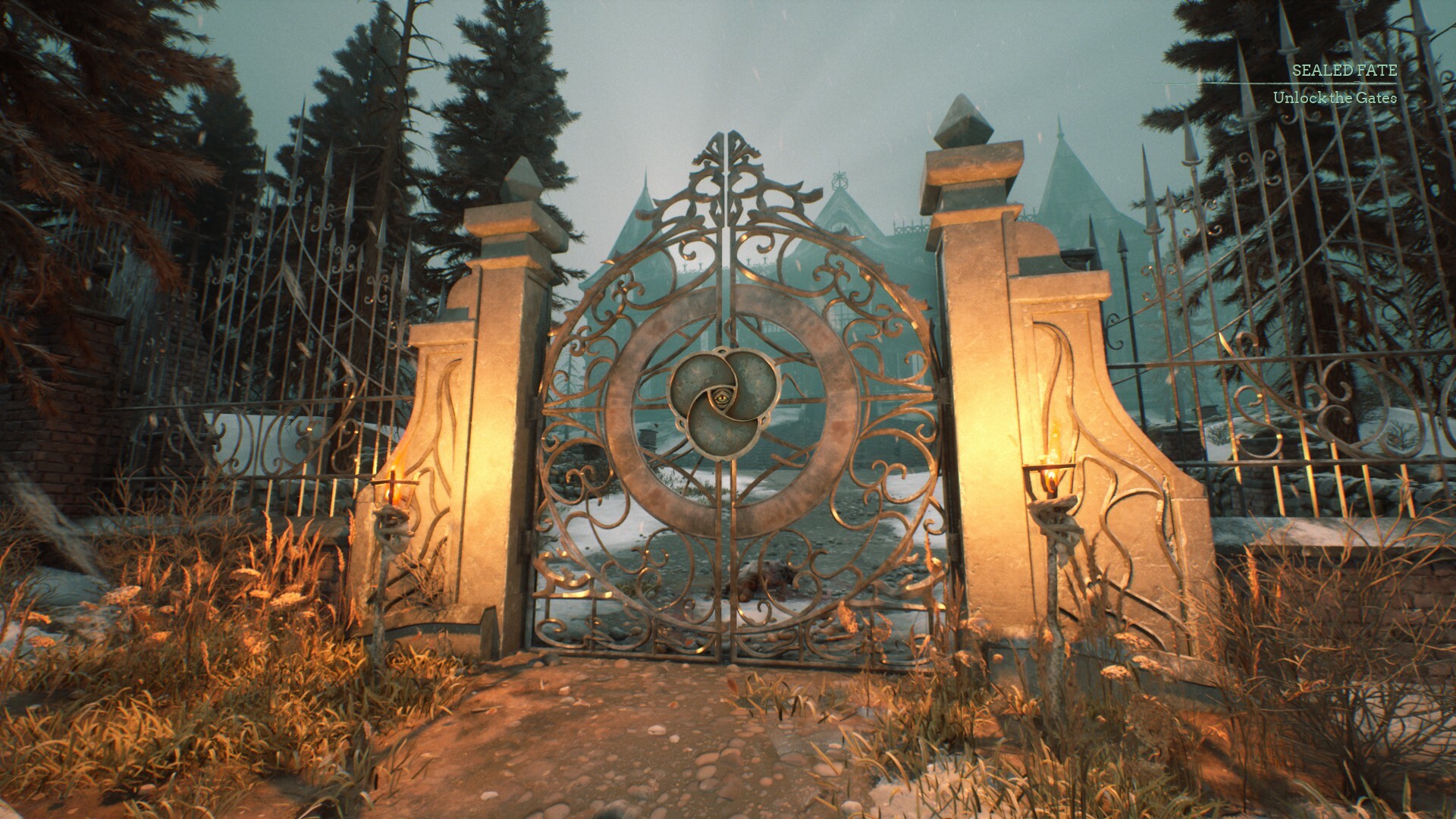
Finding the correct Steam game
The official Stygian Outer Gods Steam product is app 2581410. Its full PC release is dated October 26, 2026, following the earlier Early Access period. Use the direct Steam product link rather than an unverified key listing when checking the current product. This guide records the listing status reviewed on October 29, 2026.
Before purchasing, make sure you are viewing Outer Gods rather than another game in the same fictional universe. Similar names in search results can lead to the wrong product or an add-on instead of the base game. Read the item title and package contents together. If a basket contains a soundtrack or artbook, that alone does not establish that the playable game is included.
Full release versus older Early Access information
The version 1.0 announcement states that the game has left Early Access. It describes the final area, a final boss, three endings and New Game+ among the launch additions. These are developer-reported changes, not a claim that this wiki has completed every route. Read the official launch update if those additions affect your decision to return.
Older guides and reviews need to be judged against their own build context. A walkthrough from before release may still explain a useful idea while omitting later content. A review can also remain visible after the game has changed. Check whether the author identifies a post-launch playthrough before treating an old observation as a current assessment of the finished game.
Standard game and optional extras
The launch announcement identifies an artbook, soundtrack and Heretic's Arsenal Pack alongside the base game. It also describes a Deluxe bundle. These are different purchase items, so inspect the current package contents rather than assuming that every listing includes the same material. The exact local price and any active promotion should be checked in your own Steam store at checkout.
Decide first whether you want the playable game alone or also want the extra material. Artwork and music can be appealing without answering whether the core game suits you. Conversely, a package with more items is not automatically better value for someone uninterested in those items. This guide does not infer an advantage in normal progression from a bundle name or recommend spending more on that basis.
Hardware checks before buying
Compare the store's current system requirements with the computer you will actually use. Check the operating system, processor, graphics hardware, memory and storage requirements together. A single matching component does not establish a measured experience for the whole machine. This wiki has not benchmarked the release build and does not promise a particular frame rate for a configuration it has not tested.
If your hardware is close to the listed minimum, look for a documented test using comparable parts and the current build. A screenshot of a smooth corridor is less useful than a test explaining settings and the scenes examined. Pay attention to frame pacing and difficult encounters as well as a headline average. Any recommended settings on this wiki would need that kind of evidence before being presented as tested advice.
Steam Deck is a separate decision
The store currently marks Steam Deck compatibility as Unsupported. That rating is relevant even though you can find the game in the Steam catalogue. Purchasing for a desktop and purchasing specifically for a handheld are therefore different decisions. Read the Steam Deck compatibility guide before relying on portable play as your main way to use the game.
This page does not supply a Proton version, launch option or graphics preset as a guaranteed workaround. Such instructions would require direct testing and a clear statement of their limits. A community report can be a useful lead, but it does not establish how the entire game behaves. Current tested handheld performance and an official support date remain pending confirmation.
Returning with an Early Access save
The developer says older saves can be used but recommends a fresh playthrough to avoid unexpected technical problems. Treat that advice as relevant before investing more time in an existing run. It does not mean every save is broken or that deleting previous progress is required. The official update is the appropriate starting point for understanding the recommendation and its wording.
If keeping an old run matters, identify it carefully before creating a new one. Record enough context to tell your characters and playthroughs apart, and avoid overwriting progress casually while investigating a problem. A save that loads is not by itself proof that every later quest will behave correctly. This wiki has not independently verified migration across every Early Access build, so that assurance remains pending confirmation.
Reading reviews and troubleshooting reports
Steam review totals and percentages change, so this guide does not turn a snapshot into a permanent verdict. More useful questions include when the reviewer played, what hardware they used and which part of the game they describe. A strongly positive or negative comment may address a priority different from your own. Read the details before assuming an overall label predicts your experience.
For technical reports, distinguish a reproducible symptom from a general expression of frustration. A helpful report identifies the build, hardware, location and steps leading to the issue. If you encounter a problem, collecting those details is more useful than repeating an unrelated workaround. Avoid treating a fix reported for another game or a much older build as verified advice for your installation.
Purchase and platform questions to keep separate
Keep the receipt and product name available if you need purchase support. This helps distinguish the base game from an extra item. It also makes it easier to identify the seller whose conditions apply.
Steam's refund policy generally covers store games requested within fourteen days and played for less than two hours, subject to its terms. Third-party key purchases are not refunded by Valve under that policy. Read the official refund terms before buying rather than treating this summary as an unconditional guarantee. Do not let an assumption about refunds replace the hardware check.
A Steam copy also does not establish ownership of a future PS5 edition or transfer of your progress to it. Those arrangements remain pending confirmation. Use the release timeline for dates and the PS5 guide for the announced console product. For the Steam purchase itself, verify the exact item, the intended machine and the current store conditions before checkout.
Sources
Related pages
Stygian Outer Gods PS5: Official Platform Guide
Explore stygian outer gods ps5 status, the features listed by PlayStation, and the console details still awaiting confirmation before you plan a purchase.
Stygian Outer Gods PS5 Release Date: Confirmed Status
Find the stygian outer gods ps5 release date status, check the official PlayStation announcement, and understand why the PC launch date does not apply.
Stygian Outer Gods Release Date and Platform Status
Check the stygian outer gods release date for PC, its Early Access history, and why the announced PS5 version still needs a separate confirmed launch date.