
Stygian Outer Gods Release Date and Platform Status
Check the stygian outer gods release date for PC, its Early Access history, and why the announced PS5 version still needs a separate confirmed launch date.
Official-information summary. Detailed solutions that have not been established remain pending confirmation.
On this page
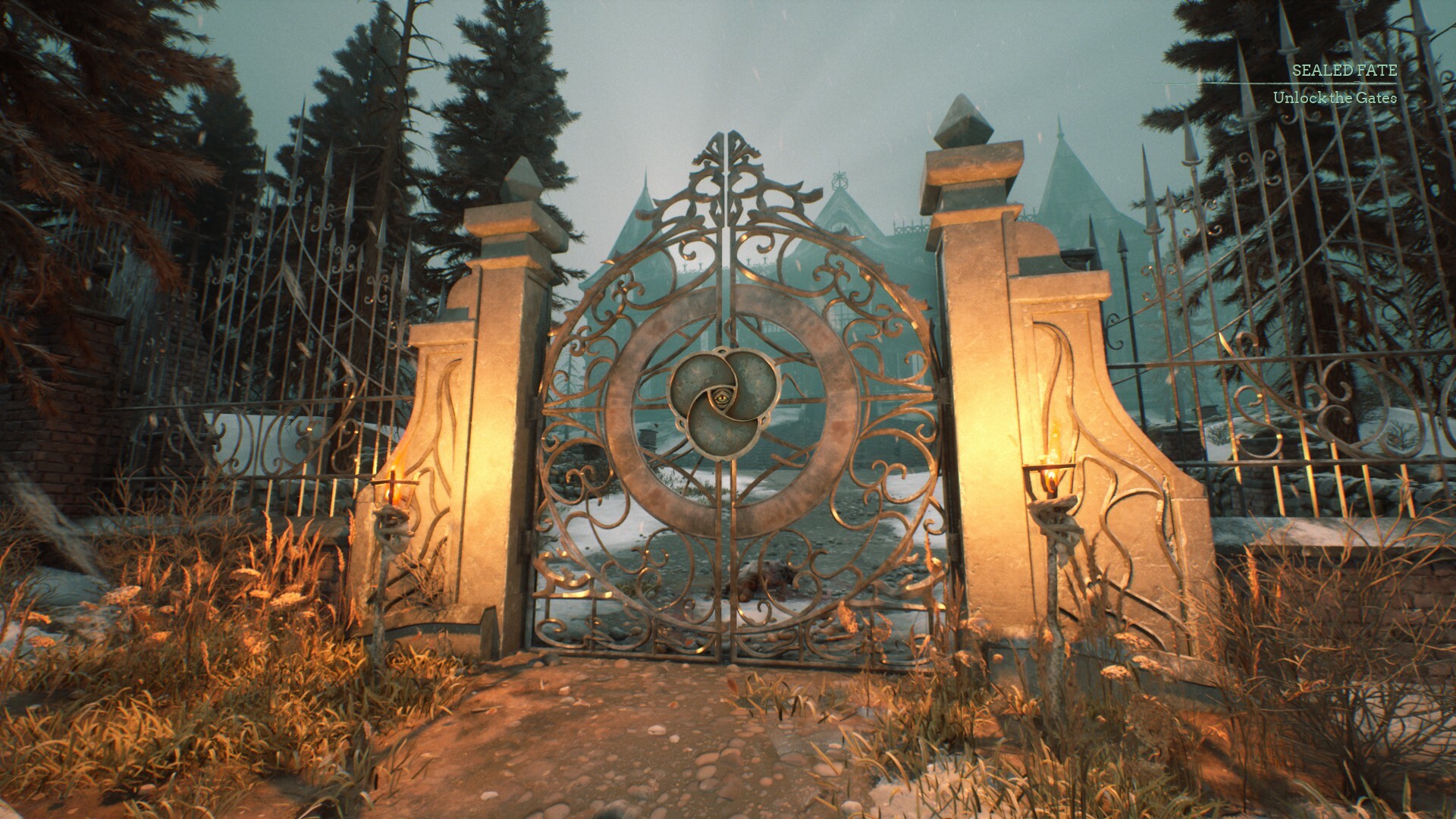
The confirmed release date
The Stygian Outer Gods release date is October 26, 2026 for the full PC release. Steam distinguishes that date from the April 14, 2025 Early Access launch. These are two milestones for the same game, so an older article using the 2025 date is not necessarily describing a different product. Check the official Steam listing when comparing dates.
For anyone deciding whether to begin now, the important distinction is whether a page discusses the development period or the finished launch. A date copied without its platform and release stage can answer the wrong question. This page records the status checked on October 29, 2026, and treats future platform details separately. It does not turn the PC milestone into a universal release date.
What the October announcement actually covered
Fulqrum's October announcement specified a full PC launch through Steam and GOG. The publisher's press release gives October 26, 2026 in its headline and launch details, although its opening dateline contains an inconsistent 2025 year. That editorial inconsistency is worth flagging rather than reproducing without explanation. The current storefront and subsequent launch notice provide the stronger combination of evidence for the actual release; see the publisher announcement.
A scheduled announcement and an available product answer slightly different questions. Before launch, a date is a plan; afterward, a storefront and release announcement can establish that the milestone happened. If you saved an older article, compare its wording with the current product page before relying on its tense. A headline saying the game “will launch” may simply have been written before release, rather than indicating another delay.
Why Early Access dates still appear
Early Access material remains useful as historical context, but it should be read with its publication date visible. Screenshots, discussions, impressions and walkthroughs from that period can describe a different build. A recent search result does not necessarily mean the underlying article has been revised. For a purchase decision, identify the version discussed before treating old observations as current findings.
The same caution applies to an old review updated after launch. A changed timestamp by itself does not explain which sections were retested. Look for a clear statement about the build, the date played and the specific feature being assessed. This wiki does not assume every old criticism was fixed, or every old strategy still applies, simply because version 1.0 arrived.
What returning players should check
The official launch post allows Early Access saves but recommends beginning a fresh playthrough to reduce unexpected technical issues. It also describes completion of the story and additional endgame content. That is developer guidance, rather than a firsthand save-migration test by this wiki. Read the official launch news before choosing how to resume an older run.
If you want to preserve an existing playthrough, first establish which save belongs to which run. Keep your older progress identifiable before starting again, and avoid deleting it merely because a new version exists. The recommendation to restart is not a statement that every older save is unusable. Whether a particular old character can finish without problems remains pending confirmation until tested on that save and build.
PS5 has a separate release status
The US PlayStation Store lists a PS5 version as announced and leaves its date to be determined. It offers a wishlist option rather than establishing a dated console launch. That is enough to confirm the platform announcement, but not enough to supply a day, month or launch year. The PlayStation product page is the relevant source for that distinction.
Do not use a shared trailer, a platform logo or a PC release countdown to fill in the missing console date. Those can indicate that a platform is part of the plan without saying when its version will arrive. A useful console announcement should explicitly name PS5 and describe its own launch timing. Until that appears, any console countdown on this wiki would create false precision.
Steam availability does not settle handheld support
A Steam purchase and a Steam Deck compatibility rating are different checks. The storefront currently labels the game Unsupported on Deck. That status should be considered before buying specifically for the handheld, even though the full PC game is available. See the dedicated Steam Deck status guide for the distinction between launch availability and device support.
For desktop or laptop play, compare your intended machine with the current store requirements instead of relying on the release date alone. A completed release is a development milestone, not a performance measurement for every computer. This wiki has not benchmarked the launch build and cannot supply a measured frame rate from the announcement. Hardware-specific results remain pending confirmation.
How to check a new release claim
Start with three details: the platform named, the release stage described and the date of the source. Then open the underlying official page rather than relying only on a search preview. If two pages disagree, determine whether one is describing Early Access while the other describes the full release. This often resolves an apparent contradiction without requiring either date to be discarded.
For a newly claimed console date, look for direct wording from the publisher or platform holder. Retail placeholders and community predictions may be leads for further checking, but should not be promoted into confirmed dates. Record an exact date only alongside the platform it applies to. A region-specific store page should also be identified as such, since this guide does not independently verify every regional listing.
Choosing the right next step
PC players looking for the released game can use the Steam buying guide to review the product and version questions. PS5 owners should use the console release-date page to track the unresolved timing. Returning players should read the save advice before committing to a long continuation. Each route answers a different practical question, even when search engines group them under the same title.
There is no confirmed universal unlock time or complete region-by-region console schedule in the evidence reviewed here. Those details remain pending confirmation, and this page does not calculate them from the PC date. Recheck the linked official pages before acting on a future announcement. The useful answer today is a dated PC release and a separately undated PS5 announcement.
Sources
Related pages
Stygian Outer Gods PS5: Official Platform Guide
Explore stygian outer gods ps5 status, the features listed by PlayStation, and the console details still awaiting confirmation before you plan a purchase.
Stygian Outer Gods PS5 Release Date: Confirmed Status
Find the stygian outer gods ps5 release date status, check the official PlayStation announcement, and understand why the PC launch date does not apply.
Stygian Outer Gods Steam: PC Buying and Launch Guide
Check stygian outer gods steam availability, the full PC release, edition choices and save advice, with official sources and clear hardware limitations.